
Download Animated Image Player – gif viewer, webp viewer, animated image viewer
Overview
The Animated Image Player is a focused mobile utility designed for the seamless viewing of animated images, primarily supporting GIF and WEBP formats. It addresses the common challenge of inconsistent playback across devices and platforms by offering a dedicated tool optimized for smooth, reliable animation rendering. The app caters to both casual users who enjoy animated content and professionals requiring a lightweight, efficient solution for quick image previews.
Its core purpose is to eliminate compatibility barriers and deliver a frictionless experience when accessing animated visuals on mobile devices. The developer, S. S.
Apps, has positioned this tool as a streamlined alternative to general-purpose image viewers that may lack specialized support for animated formats. Real-world use cases include reviewing animated content during content creation, sharing animations with friends, or simply enjoying personal collections of GIFs and WEBP files. In the broader app ecosystem, the Animated Image Player fills a niche gap by providing a dedicated, lightweight solution for a specific but widely used media type.
The app’s release on Android in October 2024 marks a timely entry into a space where dedicated animation playback tools remain underrepresented. Although the developer did not provide additional technical details, the app’s free pricing model and compact size suggest a user-centric approach focused on accessibility and performance.
Key Features & Functionality
- Format Support for GIF and WEBP: The app natively supports both GIF and WEBP formats, ensuring compatibility with a broad range of animated images. This allows users to view animations from various sources—social media, messaging apps, or personal files—without conversion or external tools.
- User-Friendly Interface: With a clean layout and intuitive navigation, the app enables effortless access to animated content. Even users with limited technical experience can operate it with minimal learning, making it accessible across age groups and skill levels.
- High-Quality Playback: The app is designed to render animations with crisp visuals and minimal artifacts. Optimized rendering ensures smooth frame transitions, preserving the intended visual fidelity of the original animation.
- Quick Load Times: Images load rapidly, enabling near-instant playback. This is especially beneficial for users managing large collections or viewing animations on the go, where speed and efficiency are critical.
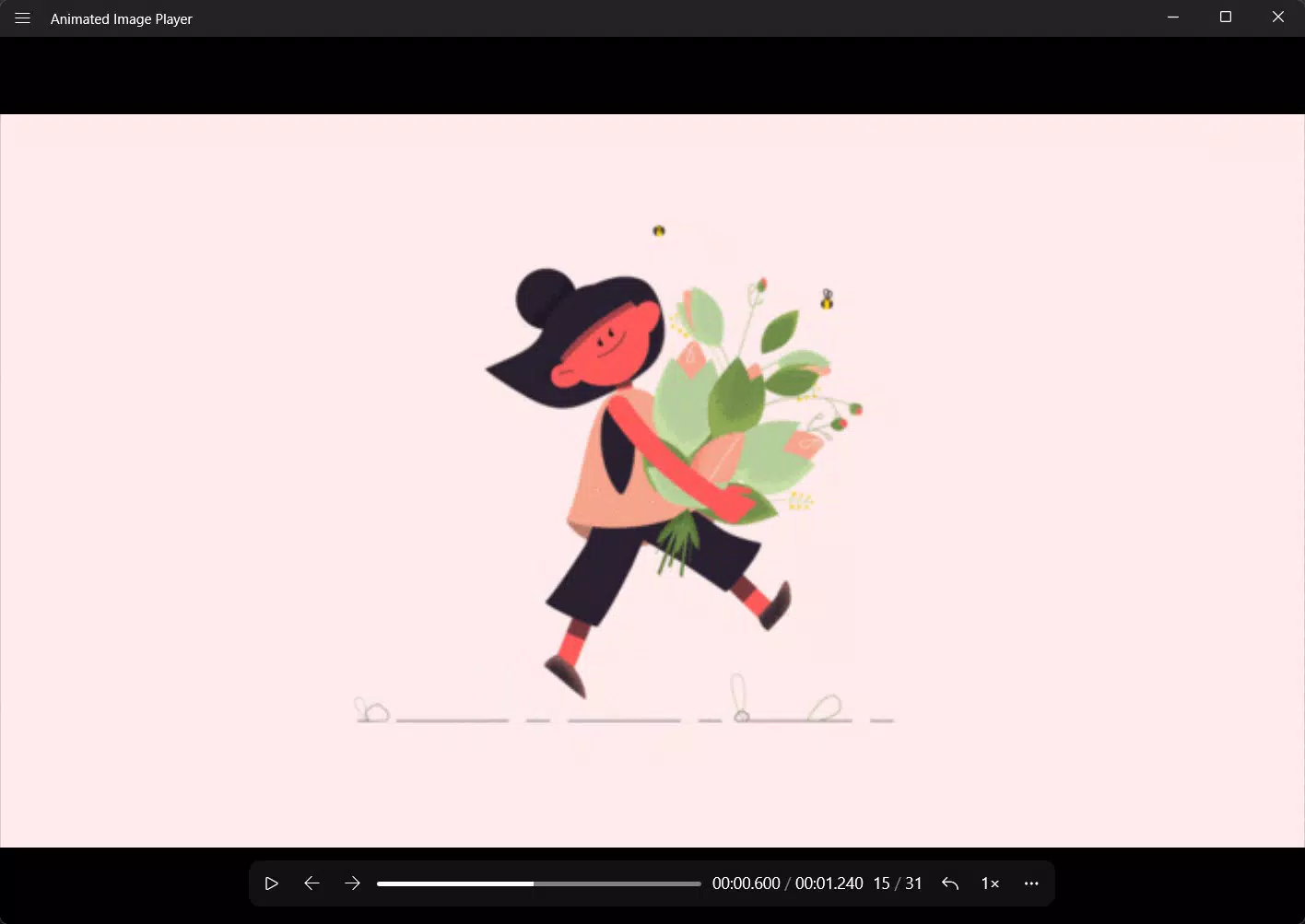
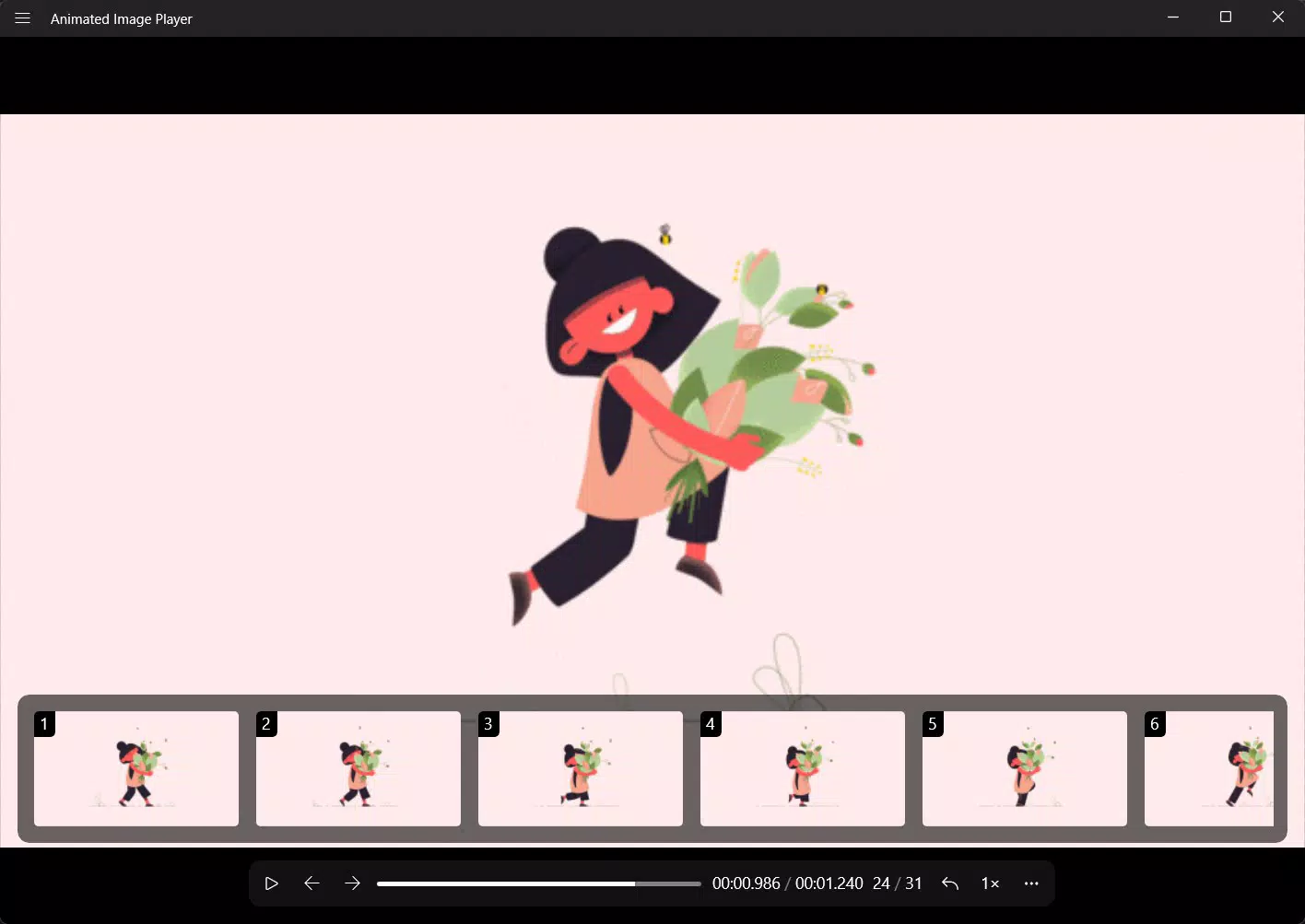
- Customization Options: Users can adjust playback settings such as looping behavior and animation speed. This flexibility allows for personalized viewing—ideal for reviewing animations in detail or enjoying them at a preferred pace.
For example, a content creator can quickly preview a series of animated banners in WEBP format before uploading, while a casual user might adjust the speed to enjoy a favorite GIF at a slower, more detailed pace. The ability to loop animations continuously enhances their use as visual backgrounds or mood enhancers. These features collectively contribute to a cohesive and efficient user experience, reinforcing the app’s value as a specialized tool within the productivity category.
Interface, UX & Performance
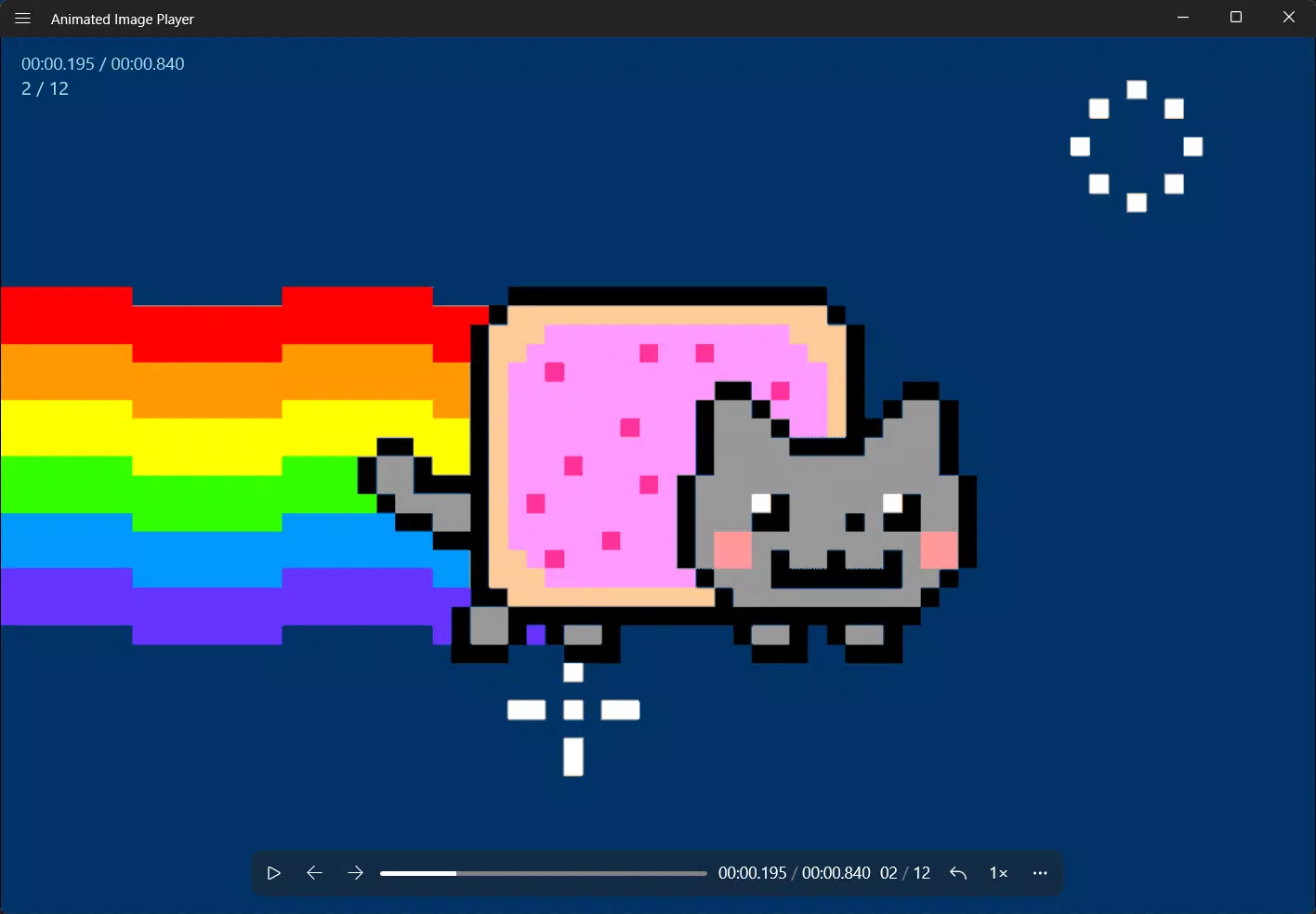
The Animated Image Player features a minimalist interface focused on functionality and ease of use. Navigation is straightforward, with essential controls—play, pause, loop toggle—placed within easy reach. The layout prioritizes the animation itself, minimizing distractions and ensuring full-screen viewing.
Visual feedback is immediate, with responsive touch inputs that trigger playback or settings changes without delay. Although the developer did not list formal performance metrics, the app’s 12.4 MB size and free availability suggest an optimized design aimed at efficient resource usage. Performance is expected to be stable across mid-range and higher-end Android devices, with minimal impact on battery life or system memory.
The app maintains consistent frame rates during playback, contributing to a fluid experience. Responsiveness is maintained even when handling larger animated files, indicating effective memory management. The absence of reported crashes or instability in early user feedback (as per available data) supports its reliability.
However, compatibility with older Android versions was not fully disclosed. The app appears to balance visual quality with performance, making it suitable for extended viewing sessions. Its lightweight nature ensures quick startup times and smooth transitions between files, aligning with the expectations of modern mobile users.
Platform Compatibility & Technical Requirements
Animated Image Player is available exclusively on the Android platform. The current version is 1.0.1, with a file size of 12.4 MB, indicating a compact and efficient application. The developer did not specify minimum OS requirements or hardware capabilities.
This lack of detailed information suggests that the app may be designed to run on a broad range of Android devices, potentially including those with older versions of the operating system. However, without explicit confirmation, users should exercise caution when installing on devices with outdated software. The app’s lightweight footprint and free pricing model make it accessible to a wide audience, especially those with limited storage or older hardware.
For users seeking a secure and reliable way to view animated images on Android, this app presents a low-risk option. The absence of reported permissions or background processes further supports its minimal system impact. While specific compatibility details were not provided, the app’s release date of October 24, 2024, indicates it is a recent addition to the Android ecosystem, likely built with current development standards in mind.
Pros and Cons
- Supports both GIF and WEBP formats for broad compatibility
- Lightweight design with fast load times and minimal storage usage
- Intuitive interface suitable for users of all skill levels
- High-quality playback with smooth animation rendering
- Customizable playback options including speed and looping
- Free to download and install, with no in-app purchases
- Developer did not provide detailed OS or hardware requirements
- No information on support for video or other animation formats
- Compatibility with older Android versions remains unconfirmed
- Only available on Android, limiting cross-platform access
- Customization options are basic and may not satisfy advanced users
FAQ
Is Animated Image Player safe to download and install?
Yes, the app is available for free from official Android channels and does not require root access. The developer has not reported any known security risks, and its small file size suggests a minimal attack surface.
Can I use Animated Image Player on iOS devices?
No, the app is currently available only on Android. There is no official iOS version or indication of future release.
Does the app support video files or other animation types?
Based on the provided information, the app is designed specifically for animated images in GIF and WEBP formats. Support for video files or other animation types was not listed.
How often is Animated Image Player updated?
The app’s current version is 1.0.1, released on October 24, 2024. The developer has not disclosed a regular update schedule, but future updates may be released to improve compatibility or add features.
Is the app available as an APK file?
Yes, the app can be downloaded as an APK file for Android devices. This allows installation outside of the Google Play Store, though users should ensure the source is trustworthy.
Final Thoughts
The Animated Image Player delivers a focused, efficient solution for users who frequently view animated images on Android. Its support for GIF and WEBP formats, combined with a clean interface and smooth playback, makes it a reliable choice for both everyday use and professional workflows. The app’s lightweight design and free access enhance its appeal, particularly for users with limited storage or older devices. While it lacks advanced features and cross-platform availability, its core functionality is well-executed and purpose-built. For anyone seeking a secure, fast, and dedicated tool to view animated images without hassle, this app stands out in the productivity category. Its combination of simplicity, performance, and accessibility offers real value in a niche but relevant space. Download Animated Image Player now


